Locked Out of Social Media? Read This First.
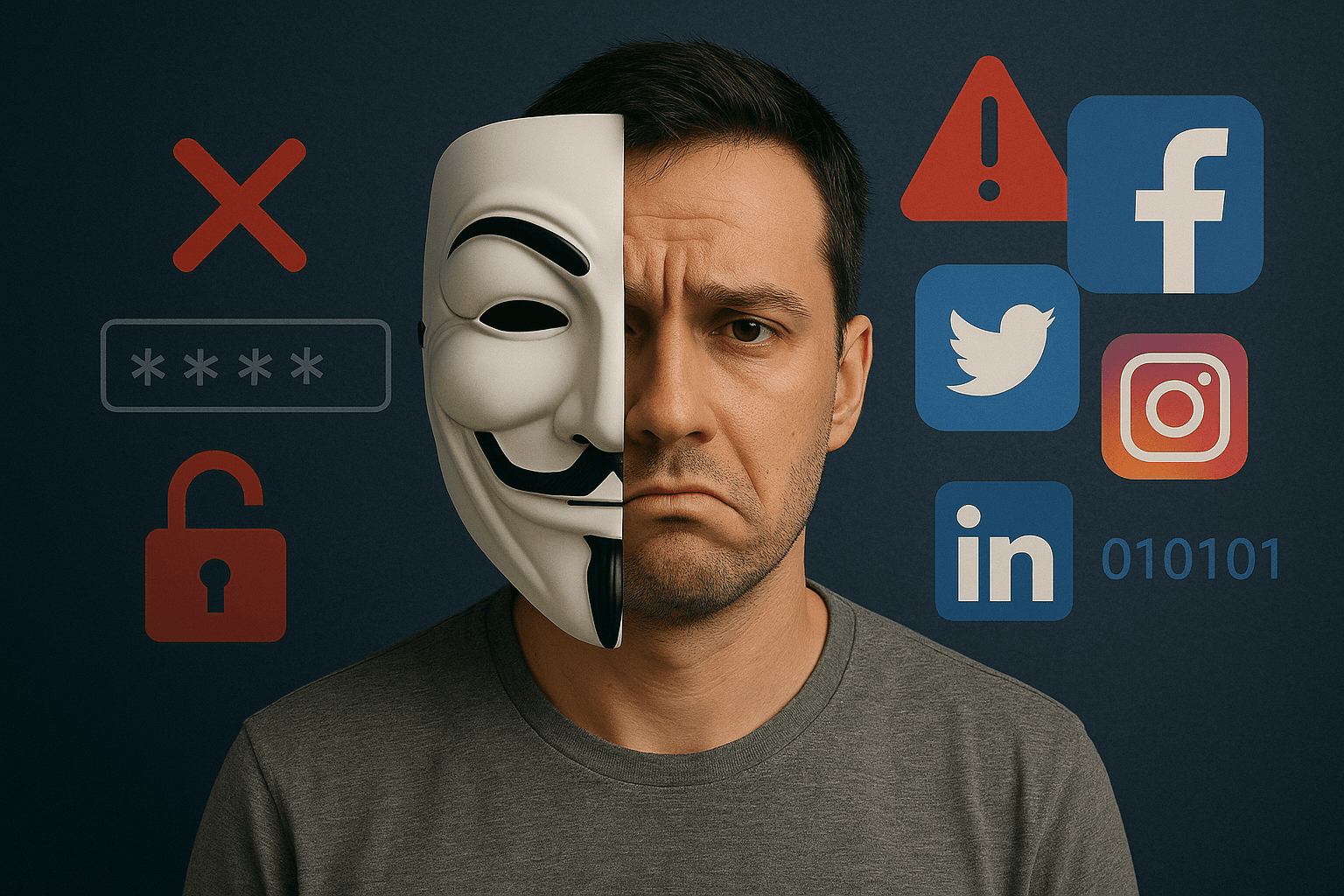
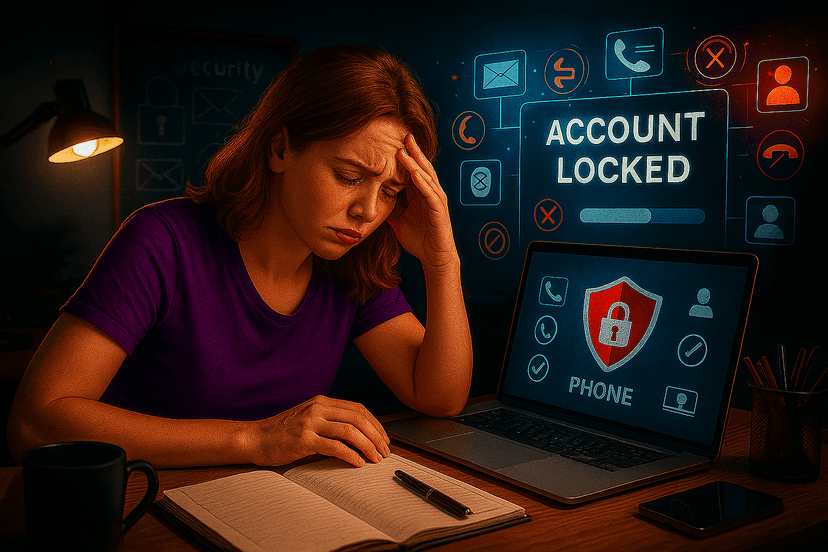
Let's be honest. You're probably here because you're in a desperate situation. You're locked out of a critical social media account—Instagram, Facebook, TikTok—and you've hit a wall. Your recovery email is old, your phone number has changed, and you're searching for any possible way to get back in. That search may have led you to look for risky shortcuts.
Before you go any further down that path, it's crucial we talk about the reality of what that means and what your real, safer options are.
The Hard Truth: Breaking In Isn't How This Works
Forget what you've seen in movies with fast typing and progress bars. In 2025, social media platforms are fortresses. They are protected by layers of security, including encryption and Two-Factor Authentication (2FA). There is no magic software that can legitimately open an account without authorization.
More importantly, attempting to gain unauthorized access to any computer system or account is illegal. According to authorities like the FBI's Internet Crime Complaint Center (IC3), it's a serious crime that can lead to severe consequences. Most "unlocker" tools you find online are scams designed to steal your money or infect your devices.
The Real Problem: You're Locked Out and Lost the Key
So, let's reframe the problem. The issue isn't that you need to break in. The issue is that you've lost your password—the legitimate key—and you no longer have access to the backup keys (your email and phone).
When you've lost all your keys, what's the last resort? It's trying to remember where you might have hidden a spare. The answer isn't on the internet; it's in your own memory.
What to Do When You Have No Email or Phone Access
Even without a recovery email or phone, some platforms offer a final, slim chance to prove your identity. This is a general guide, as the exact steps vary:
- Look for "Need More Help?" or "Try Another Way": On the login or password reset page, exhaust all standard options first. If they fail, look for a link that suggests you need more help.
- Check for Linked Accounts: Did you ever link your Instagram and Facebook accounts? If so, you might be able to use your Facebook login to get back into Instagram.
- Attempt Identity Verification: Some platforms, like Instagram, may offer a video selfie verification. As we've discussed, this only works if you have clear photos of your own face on your profile. Other services might ask for a photo of your government ID. These are last-ditch efforts and are often rejected by automated systems.
If these official channels fail, you are truly left with only one option.
The Ultimate Key Is Your Own Memory, Supercharged by AI
When every official door is closed, the password you've forgotten is still somewhere in your head. The problem is that stress and panic make it almost impossible to think clearly and recall it.
Instead of trying random guesses, you need a smarter approach. That's where aiipassword comes in. Our tool is designed for this exact moment. It's not a break-in tool; it's a memory-jogging assistant.
You provide it with personal clues—fragments of your life that you might have used to create your password:
- Names of important people, combined with significant dates like birthdays
- Words related to your job or favorite hobbies and teams
- Common number patterns you frequently use (like
123or42) - Symbols or punctuation you often add to passwords (like
!or_)
Our AI doesn't guess randomly. It thoughtfully combines these clues based on common human patterns to suggest a list of likely passwords that you would have created. It's your personal memory assistant, helping you retrace your own steps to find the lost key.
Before giving up, give your own memory one last, structured chance. Instead of taking dangerous risks online, use the safe and smart approach. Let aiipassword be your personal memory assistant and help you find the key you've lost.
Sponsored
More Articles
Is Moltbot (clawd bot) safe ? security review
A deep Moltbot security review for Clawd bot and OpenClaw users. How it works, real world incidents, expert warnings, threat model, and hardening steps.

The 10 Best AI Tools to Use in 2025-2026
From writing emails to creating stunning images, AI is changing everything. We review the 10 best and most useful AI tools that you can start using today.
How To Find PassWords on an iPhone & Never Forget Them
Autofill is a great time saver, but what if you need to edit or delete your saved passwords? Learn how to find saved passwords on an iPhone, manage them, and what to do when a password is truly lost.
Passkeys Explained: What Is a Passkey and How Do Passkeys Work?
Learn the simple, technical explanations of passkeys: What they are, how they work, and how they keep users safer than traditional passwords.
Reset Password Without Email or Phone Number: Full Recovery Guide for 2025
Forgot your password and have no access to your email or phone number? Learn how to reset or recover your account without standard recovery options using proven methods.